
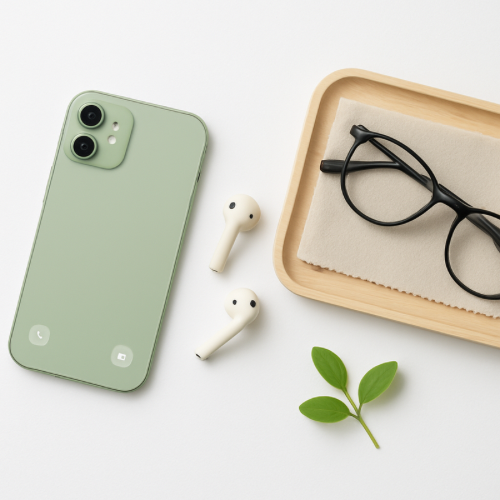
Many adults over 50 feel frustrated with technology — not because they can’t learn it, but because most devices come with cluttered screens, loud notifications, and confusing settings. A few simple adjustments can make your phone, tablet, or computer feel calmer, clearer, and easier to use.
If your thinking feels foggy, scattered, or mentally overloaded, this guide explains why it happens and what helps after 50.
These beginner-friendly tips help you set up your devices so they support your day, instead of adding stress.
1. Clean Up Your Home Screen
Most devices feel overwhelming because the home screen is full of apps. Start by removing any icons you rarely use. Keep only the apps you need daily — such as messages, email, camera, or calendar.
A clean screen makes your device easier to navigate and less stressful to open.
2. Increase Text Size for Easier Reading
Most devices allow you to change text size with one tap. Larger text reduces eye strain and makes it easier to read messages, menus, and buttons — especially on smaller screens.
3. Turn Off Unnecessary Notifications
Notifications can interrupt your day and make your device feel chaotic. Turn off alerts for apps you don’t need frequent updates from — such as games, ads, or social platforms.
Fewer interruptions help you stay focused and calm.
4. Use Folders to Organize Apps
Grouping apps into simple folders — like “Photos,” “Shopping,” “Communication,” or “Notes” — makes your home screen easier to navigate. This is especially helpful for adults in their 50s and 60s who prefer clean, uncluttered layouts.
5. Adjust Brightness and Reduce Blue Light
Lowering screen brightness can reduce headaches, and turning on a device’s nighttime mode helps reduce blue light — which supports better sleep and focus.
If you’re using a tablet regularly, here’s a simple guide to making it more comfortable after 50.
6. Use Simple Accessories for Comfort
A few inexpensive tools can make using your device easier and more enjoyable:
- a phone or tablet stand for hands-free use
- comfortable over-ear headphones for audio clarity
- a microfiber cloth for keeping screens clean
7. Start With One Change at a Time
You don’t need to adjust every setting at once. Try one change today — a cleaner home screen, larger text, or fewer notifications. Over time, these small adjustments make your device feel simpler and more familiar.
If you prefer a calmer, more structured week, this gentle routine guide can help you create simple rhythms that support everyday life.
If you want an easy digital tool to stay organized, here’s a simple guide to using your phone’s Notes app.


Leave a Comment